
The example files show the simulator mill (with check_constraints.hal loaded) and the simulator lathe.
With emc running and halcmd on your PATH, just run net2dot to create a .dot file, or pipe net2dot to dot to render an image:
    $ python net2dot.py > mymachine.dot
    $ python net2dot.py | dot -Tpng > mymachine.png
Update: A new version of net2dot also understands 'linkXX' commands, so it can be used on .hal files in addition to to working from a running hal. It will infer directions from arrows when they are given. Run it like so:
    $ python net2dot.py core_stepper.hal standard_pinout.hal > mill.dot
    $ python net2dot.py core_stepper.hal standard_pinout.hal | dot -Tpng > mill.png
Files currently attached to this page:
| net2dot-old.py | 2.8kB |
| net2dot.py | 4.0kB |
| sim-lathe-small.png | 5.5kB |
| sim-lathe.dot | 9.6kB |
| sim-lathe.png | 65.1kB |
| sim-lathe.svg | 42.9kB |
| sim-mill-small.png | 5.5kB |
| sim-mill.dot | 8.6kB |
| sim-mill.png | 55.8kB |
| sim-mill.svg | 41.1kB |
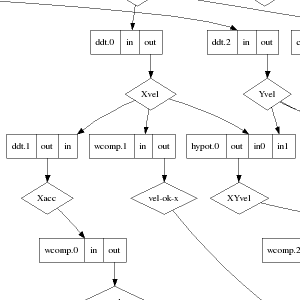

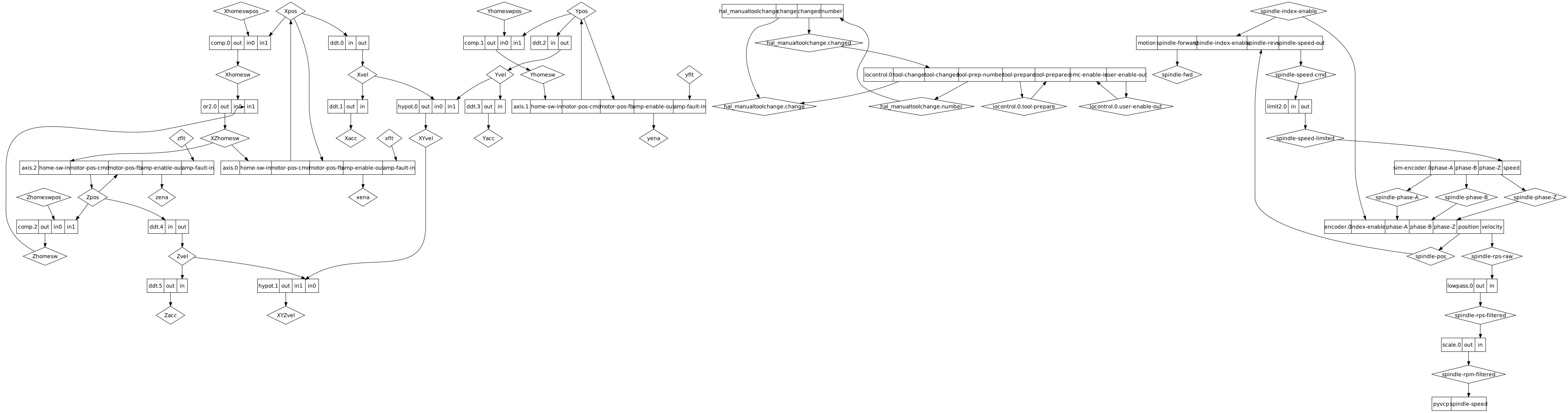

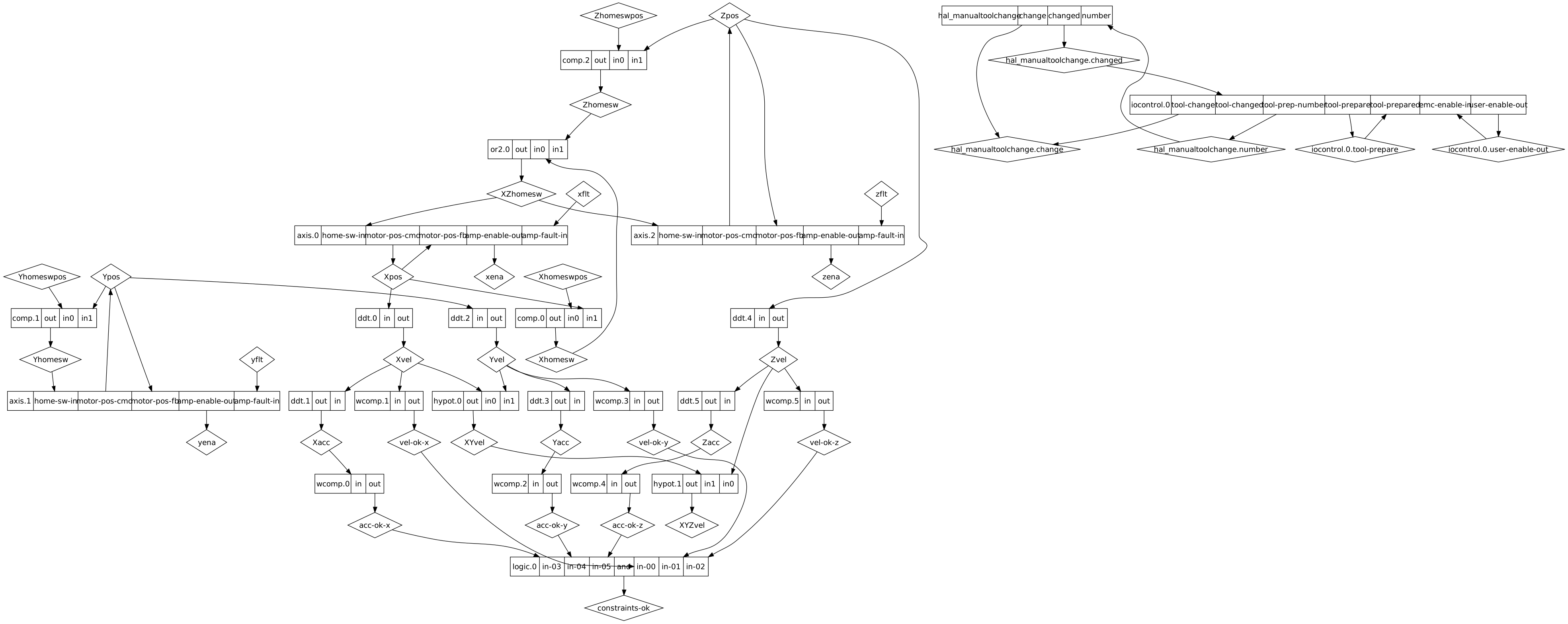
(originally posted on the AXIS blog)
Entry first conceived on 20 March 2007, 21:31 UTC, last modified on 15 January 2012, 3:46 UTC
Website Copyright © 2004-2024 Jeff Epler